
AI for Law Firm Billing, Without the Risk
Lawyers are right to be cautious about AI near billing and trust. Here's how to get the time savings safely: read-first answers, propose-then-approve actions, role limits, confidentiality, and a full audit trail.

Most of the AI conversation aimed at lawyers oscillates between two unhelpful poles: breathless ("AI will run your firm!") and dismissive ("never let a robot near client money"). The useful position is in the middle. AI is genuinely good at the administrative grind around billing — and it should never be allowed to act on its own near your invoices or your trust account.
The question isn't whether to use AI. It's how to capture the time savings without surrendering control or confidentiality. Here's a framework, and the guardrails that make it safe.
General information, not legal or ethics advice. You're responsible for your obligations under your rules of professional conduct — including competence with technology and the duty of confidentiality. Confirm before adopting any tool.
 Ask a question in plain English, get an answer instantly — without anything in your system changing.
Why caution is the correct instinct
Lawyers' hesitation about AI isn't technophobia; it's professional responsibility. The real concerns are specific:
- Confidentiality. Client information can't be fed into a system that might expose it or train a public model on it.
- Accuracy. A general-purpose chatbot will confidently invent a number. In billing, a confident wrong answer is worse than no answer.
- Control. Software that can create, send, or move money on its own is a liability, full stop.
- Auditability. If something changes, you need to know exactly what, when, and by whom.
A tool that ignores any of these doesn't belong near your practice. A tool that's built around them can save you hours a week. The difference is architecture, not marketing.
The two modes that make AI safe
The safest way to think about an AI assistant for billing is to split everything it does into two modes.
Read-first: answers, never changes. Most of what you want from AI is information. "What's outstanding right now?" "Who's more than 30 days overdue?" "How much is in trust for the Henderson matter?" These are read-only questions. A well-designed assistant answers them instantly by reading your workspace and changes nothing in the process. There's no risk in a question.
Write-safe: propose, then you approve. The moment a request would create, send, or move something — draft an invoice, set up a payment plan, request a retainer — the assistant should not do it. It should propose it: produce a draft and show you a confirmation you review and approve with a click. Nothing is created, sent, or charged until you say so. The AI does the typing; you make the decision.
This propose-then-confirm pattern is the whole game. It keeps the speed (you're not building the invoice from scratch) while keeping the judgment exactly where it belongs — with a human who's accountable for it.
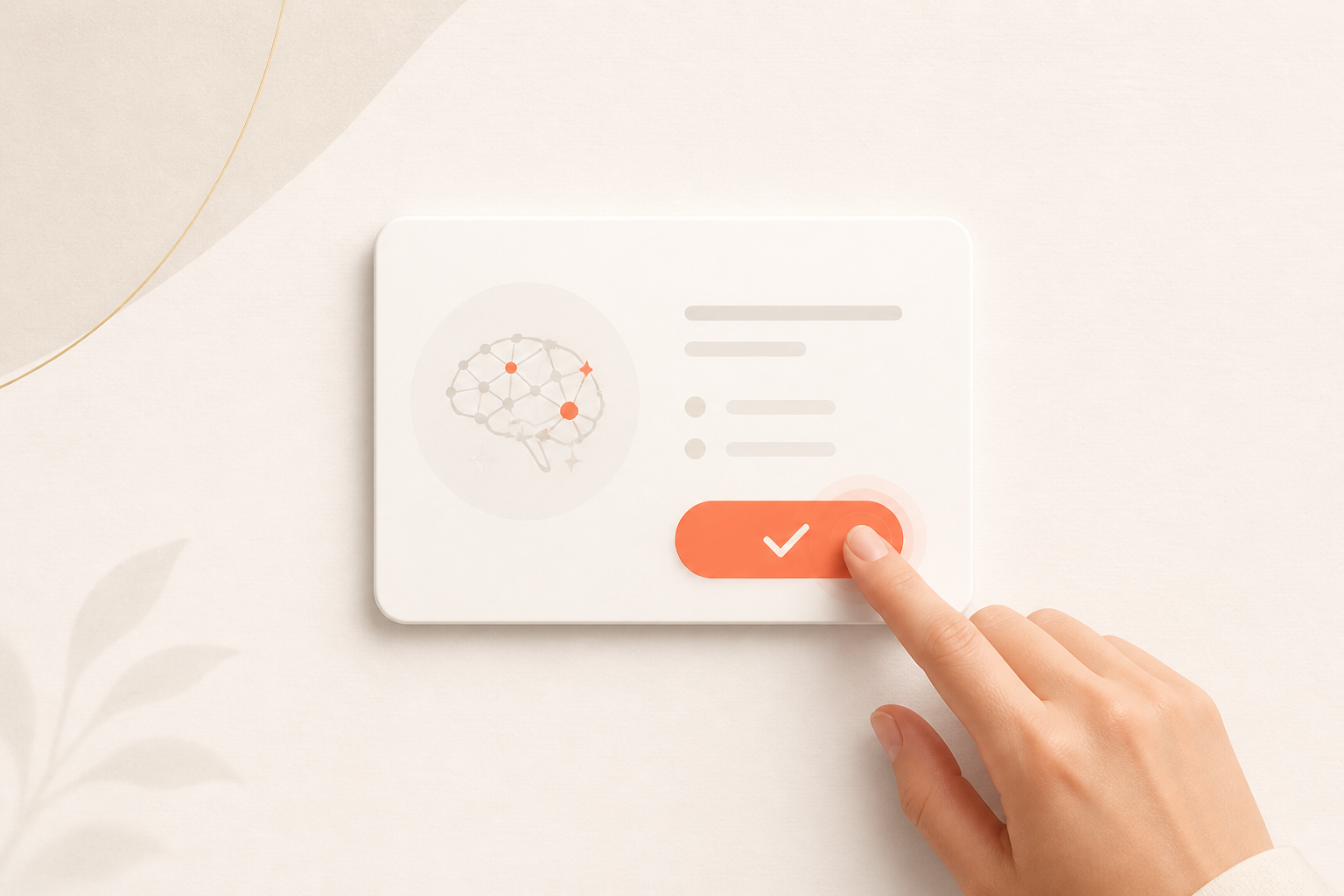 Write-safe by design: the assistant proposes; nothing happens until you click Confirm.
Five guardrails to insist on
Before you let any assistant touch billing or trust, make sure it has all five:
- Read-first by default. Questions return answers without side effects.
- Propose → confirm for every change. No invoice sent, plan created, or dollar moved without an explicit human approval.
- Bound by roles and permissions. The assistant can never do something the logged-in user couldn't do themselves. A paralegal's assistant has a paralegal's reach.
- A complete audit trail. Every action — proposed and approved — is logged immutably: who, what, when. If you can't reconstruct it later, you can't trust it.
- Confidentiality by contract and design. Your client data isn't used to train public models, and access is governed by clear vendor controls.
If a vendor can't answer all five plainly, that's your answer.
What it's actually good for
Inside those guardrails, the day-to-day wins are real and unglamorous — which is exactly why they're valuable:
- Instant answers on outstanding balances, overdue invoices, and what's in trust, without running a report.
- Drafting invoices, payment plans, and retainer requests for your review.
- Preparing client statements and reminder messages, ready for you to send.
- Surfacing what needs attention — the overdue matter, the retainer running low — before it becomes a problem.
In each case the pattern holds: the assistant removes the busywork and hands you a finished draft; you supply the judgment and the click.
What it should never do
Just as important is the list of things a billing assistant should refuse to do on its own:
- Send an invoice, charge a card, or move money without your explicit approval.
- Touch trust principal in any way that isn't a deliberate, logged, human-approved action.
- Operate outside the user's role or quietly expand its own access.
- Offer legal advice, or substitute for professional judgment.
"Helpful" and "autonomous" are not the same thing. The best assistant is extremely capable and completely on a leash.
The takeaway
You don't have to choose between modern tooling and professional caution. The right AI for a law firm is read-first, write-safe, role-aware, and fully auditable — fast where speed is harmless, and asking for your approval everywhere it isn't.
That's exactly how the PayLawyers assistant works. Ask it anything about your billing in plain English and it answers instantly; ask it to do something and it proposes a draft you approve with a click. It stays within each teammate's role, and every action lands on an append-only audit log. You get the hours back. You keep the control.
Want to see read-first, write-safe AI on your own workspace? Book a demo — we'll show you the whole propose-and-approve flow.